Are you wondering how to turn on the ice maker in your Samsung refrigerator? Getting fresh ice anytime you want can make your drinks more refreshing and your gatherings more enjoyable.
But if you’re unsure how to start the ice maker or it seems like it’s not working, don’t worry. This guide will walk you through simple, clear steps to get your ice maker up and running quickly. Keep reading, and you’ll never have to wait for ice again!
Locate The Ice Maker Controls
Before you can enjoy fresh ice from your Samsung refrigerator, you need to locate the ice maker controls. Knowing exactly where to find these controls saves you time and frustration. It also ensures you can quickly turn the ice maker on or off whenever needed.
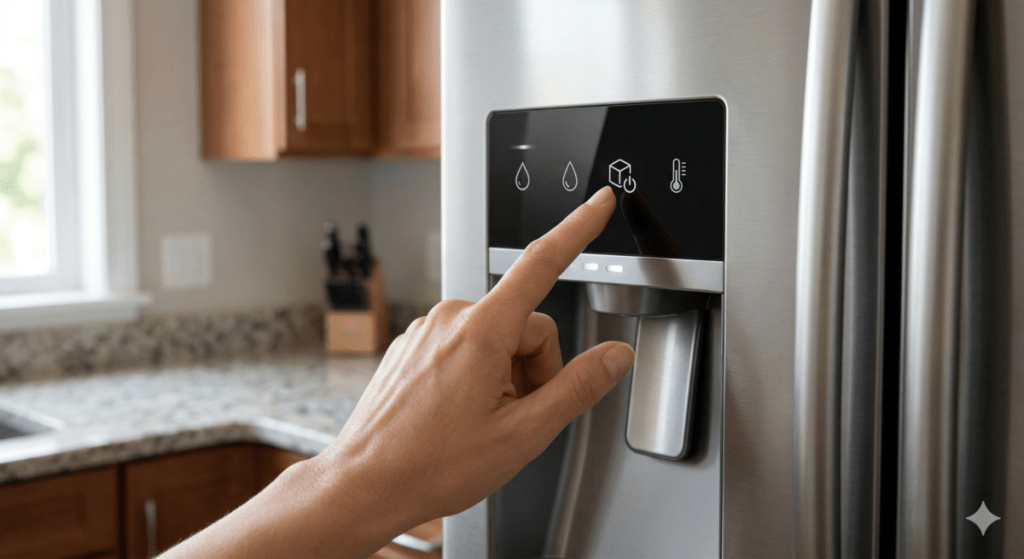
Find The Control Panel
The control panel is usually on the front of the refrigerator door or inside the fridge near the top. It houses all the buttons and displays that manage your refrigerator’s features, including the ice maker.
Look for a sleek, touch-sensitive area or physical buttons with clear labels. If your model has a digital screen, the ice maker control will often be listed there alongside other settings like temperature and water filter status.
Identify The Ice Maker Button
Once you locate the control panel, scan for a button labeled “Ice Maker,” “Ice On/Off,” or a small ice cube icon. This button controls the ice maker’s power, allowing you to enable or disable ice production.
Pressing this button should activate the ice maker, and you might hear a faint motor sound shortly after. If you don’t see a dedicated button, check the refrigerator manual or the display menu for ice maker settings.
Prepare The Ice Maker
Preparing your Samsung refrigerator's ice maker is an essential first step to ensure it works smoothly. Before you flip the switch to start making ice, there are a couple of key checks you should perform. These simple preparations can save you time and prevent common issues like no ice production or leaks.
Ensure Water Supply Is Connected
Your ice maker needs a constant water supply to function properly. Check that the water line connected to the back of your refrigerator is secure and not kinked or damaged.
If you recently installed your fridge, did you remember to turn on the water valve? Sometimes this small step gets overlooked, and your ice maker won’t fill up. A steady water flow is crucial—without it, your ice maker stays empty and useless.
Check The Ice Maker Tray
Look inside the ice maker tray to see if it's clean and properly positioned. Dust, debris, or ice buildup can block the tray and stop ice cubes from forming correctly.
Have you ever found your ice cubes stuck together or misshapen? This often happens when the tray is not aligned or needs a quick clean. Give it a wipe with a soft microfiber cloth and ensure the tray clicks into place securely.
Activate The Ice Maker
Activating the ice maker in your Samsung refrigerator is simple and quick. This feature lets you enjoy fresh ice anytime. The process involves just a couple of easy steps to get the ice maker running smoothly.
Press The Ice Maker Button
Locate the ice maker button on your refrigerator’s control panel. Press the button firmly to start the ice maker. You might hear a click or see a small light indicating activation. This button controls the ice-making function directly.
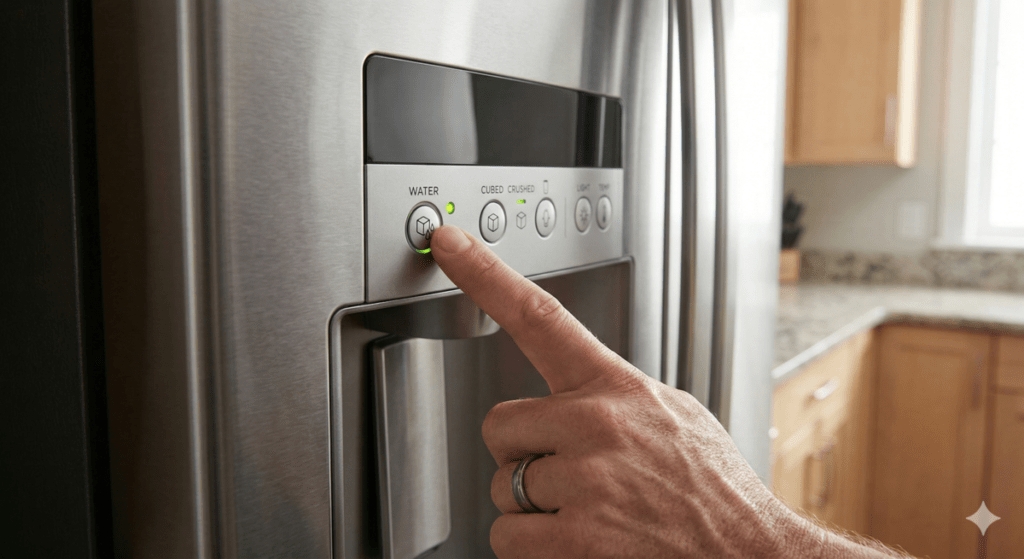
Wait For Confirmation Lights
After pressing the button, watch for confirmation lights on the panel. These lights show that the ice maker is working properly. Usually, a green light means the ice maker is active. If no light appears, press the button again or check the manual for your model.
Adjust Ice Maker Settings
Adjusting the ice maker settings helps control ice production in your Samsung refrigerator. Locate the control panel to turn on the ice maker and set your preferred ice size. This simple step ensures fresh ice whenever you need it.
Adjusting the ice maker settings in your Samsung refrigerator can improve your ice-making experience. With the right settings, you can enjoy ice that suits your needs. Whether you prefer small cubes for cocktails or larger pieces for chilling drinks, adjusting these settings is simple.
Select Ice Size
Choose the ice size that fits your preference. Locate the control panel on your refrigerator. Press the button labeled "Ice Size" to toggle between options. Some models offer small, medium, and large sizes. Pick the size that best suits your needs. Small cubes melt quickly, ideal for cocktails. Larger cubes last longer, perfect for cooling drinks.
Set Ice Production Mode
Adjust the ice production mode to match your usage. Find the "Ice Mode" button on the panel. Press it to switch between different modes. Some refrigerators have options like "Quick Ice" or "Energy Saver." Quick Ice increases production for parties. Energy Saver uses less energy, ideal for daily use. Choose the mode that fits your lifestyle.
Troubleshoot Common Issues
Troubleshooting common issues with your Samsung refrigerator's ice maker can save time and frustration. Small problems often prevent the ice maker from working properly. Simple checks can restore its function quickly.
Understanding common problems helps you fix them fast. This section covers three main issues: the ice maker not turning on, no ice production, and unusual noises.
Ice Maker Not Turning On
Check if the ice maker's power switch is on. Make sure the refrigerator is plugged in and getting power. Inspect the control panel for any error messages or locked settings. Reset the ice maker by turning it off and on again. Look for a blown fuse or tripped circuit breaker in your home's electrical system.
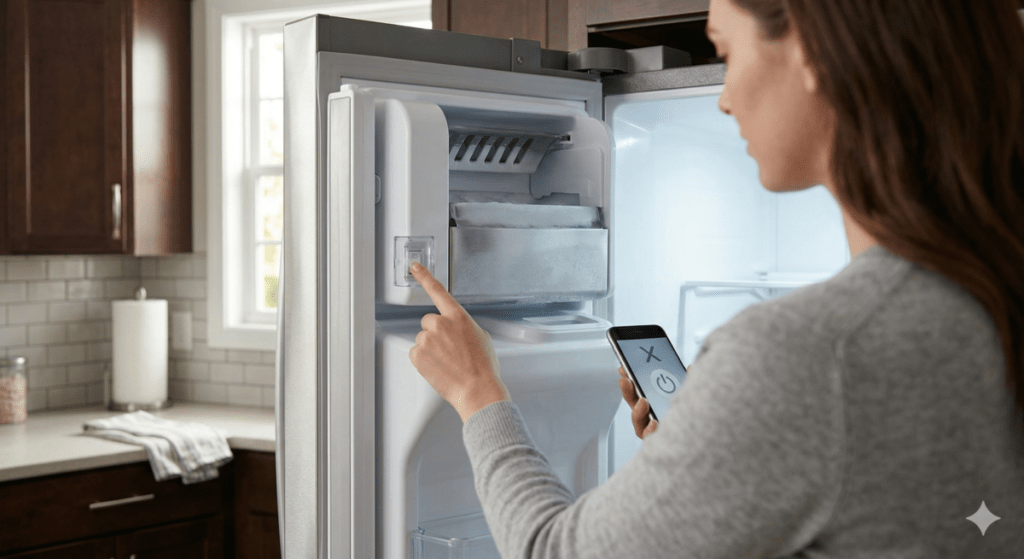
No Ice Production
Ensure the water supply is connected and turned on. Check the water filter for clogs; replace if dirty. Confirm the freezer temperature is set between 0°F and 5°F (-18°C to -15°C) using a digital freezer thermometer. Clear any ice blockages in the ice maker or chute. Allow time after startup; ice production can take up to 24 hours.
Unusual Noises
Listen for clicking or grinding sounds from the ice maker. This may indicate mechanical issues or a jammed ice tray. Remove any stuck ice cubes carefully. Verify the ice maker is level and securely mounted. Clean the ice maker to remove any debris or mineral buildup. Strange noises often signal the need for maintenance, or that it's time to install a replacement Samsung ice maker assembly.
Maintain Your Ice Maker
Maintaining your Samsung refrigerator’s ice maker keeps it working well and ensures clean ice. Regular care prevents clogs and bad tastes. Simple steps extend the ice maker’s life and improve ice quality.
Regular Cleaning Tips
Clean the ice maker every few months to avoid buildup. Use warm water and mild soap to wipe the ice bin and dispenser. Avoid harsh chemicals that can damage parts. Rinse thoroughly to remove soap residue. Dry all parts before reassembling to stop mold growth. Check the ice maker’s water line for leaks or cracks. Clean the water filter housing during this process.
Filter Replacement Schedule
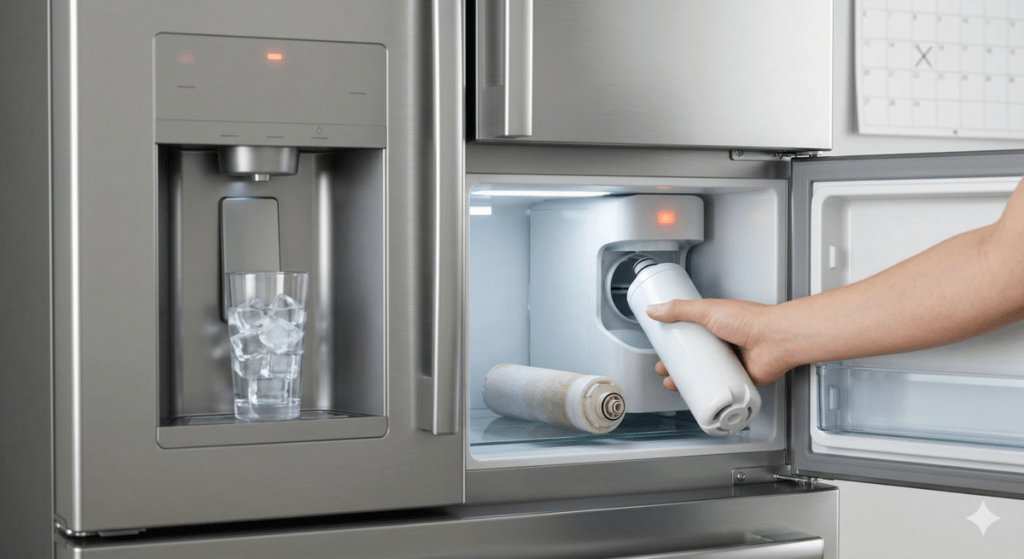
Change the water filter every 6 months or as recommended. A clean filter improves water taste and ice quality. Old filters can block water flow and damage the ice maker. Use only filters designed for your Samsung model. Mark the replacement date on your calendar. Some models have a filter indicator light to remind you. Regular filter changes keep ice fresh and machines running smoothly.
Frequently Asked Questions
How Do I Turn On The Ice Maker In Samsung Fridge?
Locate the ice maker switch inside your Samsung refrigerator. Flip the switch to the "On" position. Ensure the water supply is connected and turned on for ice production.
Where Is The Ice Maker Switch In Samsung Fridge?
The ice maker switch is usually inside the freezer compartment. Look near the ice maker assembly or on the ceiling of the freezer. Consult your model’s manual for exact location.
Why Is My Samsung Ice Maker Not Turning On?
Check if the ice maker is switched on and water supply is active. Ensure the freezer temperature is set between 0°F and 5°F for proper ice production.
How Long Does Samsung Ice Maker Take To Start?
It typically takes 24 hours for the ice maker to start producing ice after turning it on. Initial batches may take longer to freeze completely.
Conclusion
Turning on the ice maker in your Samsung refrigerator is simple. Just follow the steps carefully. Check the ice maker switch or button inside the fridge. Make sure the water supply is connected and working well. Wait for a few hours to see ice production start.
Regular cleaning helps keep ice fresh and tasty. Now you can enjoy cold ice anytime at home. Keep this guide handy for quick reference. Easy to use, easy to enjoy.