Have you ever wondered if your digital scale is giving you the right weight? Whether you're tracking your fitness progress, cooking with precision, or weighing packages, accuracy matters.
But did you know that over time, your scale can lose its accuracy? Don’t worry—you can fix this yourself at home. You’ll learn simple, step-by-step ways to calibrate your digital scale and ensure every measurement you take is spot on.
Keep reading to discover how easy it is to get reliable results every time.
Why Calibration Matters
Calibration ensures your digital scale gives correct readings every time. Without it, measurements can be off, causing mistakes in recipes, health tracking, or shipping. A well-calibrated scale keeps your results reliable and consistent. It helps avoid confusion and saves time by reducing the need for re-weighing. Calibration is a simple step that improves your scale’s accuracy and your confidence in its readings.
Effects Of Inaccurate Scales
Inaccurate scales can lead to many problems. Cooking recipes may fail if ingredient weights are wrong. Tracking body weight or portions becomes useless with bad data. Shipping errors happen when packages are weighed incorrectly, leading to extra costs. Small mistakes add up and cause frustration. Poor accuracy can also affect scientific or educational projects that need precise measurements.
When To Calibrate Your Scale
Calibrate your scale regularly to keep it accurate. Do it after moving the scale to a new spot. Calibrate if you notice strange or inconsistent readings. Also, recalibrate when the scale’s batteries are replaced. If your scale has not been used for a long time, check calibration before use. Regular checks help keep your scale dependable for all tasks. (Or, if your old scale is completely unresponsive, it might be time to upgrade to a new high-precision digital scale!)
Tools Needed For Calibration
Calibrating your digital scale accurately depends heavily on having the right tools. Without proper calibration weights or reliable alternatives, your scale might give misleading readings. Gathering the right items ensures you get precise measurements every time you use your scale.
Choosing Calibration Weights
Calibration weights are designed specifically for adjusting scales. They come in standard sizes and materials, like stainless steel, ensuring consistent weight. You can buy these calibration weights online or at specialty stores, often in sets ranging from a few grams to several kilograms.
Look for weights that match or exceed the maximum capacity of your scale. Using the exact weight values recommended in your scale’s manual is crucial for accuracy. Investing in certified weights might seem expensive but can save you time and frustration in the long run.
Alternative Household Items
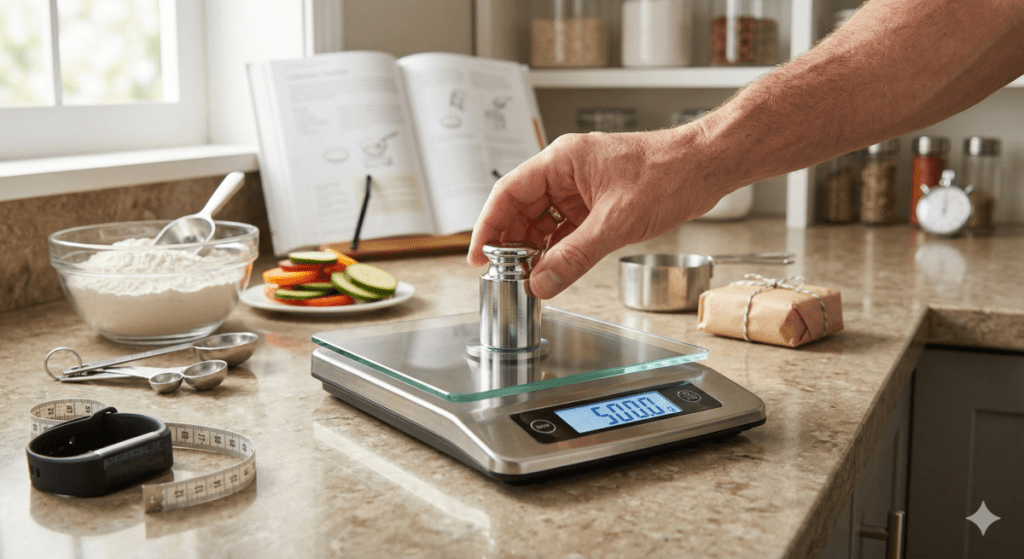
If you don’t have calibration weights, everyday items can work as substitutes. Coins, for example, often have known weights; a U.S. quarter weighs exactly 5.67 grams. Using multiple coins stacked together can help you approach the needed calibration weight.
Other household items include packaged foods with labeled weights or a sealed bag of sugar or flour. Just make sure the packaging is unopened and the weight printed is accurate. Have you ever tried calibrating your scale with such items? It’s a handy trick when you need quick, approximate calibration without special tools.
Preparing Your Scale
Preparing your digital scale before calibration is essential for accurate results. If your scale isn’t properly set up, even the best calibration process won’t give you reliable measurements. Taking a few moments to clean and position your scale correctly can save you from frustrating errors later on.
Cleaning The Surface
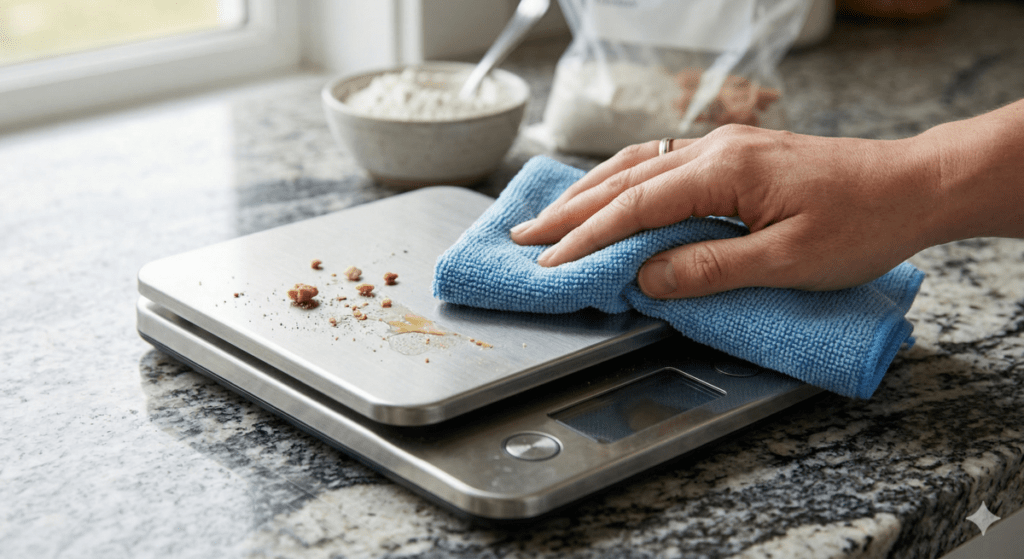
Dust, dirt, or sticky residues on your scale’s surface can interfere with its sensors. Use a soft, damp microfiber cloth to gently wipe the weighing platform. Avoid harsh chemicals that might damage the scale’s surface or internal components.
Think about the last time you weighed something and got a strange reading. Could a crumb or speck of dust have been the culprit? Keeping the surface spotless ensures your scale reads only the weight of your item.
Placing On A Flat Surface
The surface your scale sits on directly impacts its accuracy. Place your scale on a firm, level surface—avoid soft materials like carpets or uneven tables. Even a slight tilt can throw off the readings significantly.
Have you ever noticed your scale showing different weights when moved? This usually happens because it’s not on a stable surface. Ensuring your scale is perfectly flat helps maintain consistent and trustworthy measurements every time you use it.
Step-by-step Calibration Process
Calibrating a digital scale at home is a simple task that improves measurement accuracy. This process ensures reliable results for cooking, mailing, or any other weighing needs. Follow the clear steps below for best results.
Turning On And Zeroing The Scale
Place the scale on a flat, stable surface. Press the power button to turn it on. Wait until the display shows zero or “0.0.” If it does not, press the tare or zero button to reset the scale. This step removes any previous weight from the scale.
Entering Calibration Mode
Check your scale’s manual for the calibration mode key. Usually, press and hold a specific button like “Cal” or “Mode.” Hold it until the screen shows a calibration prompt. This mode allows you to set the scale’s weight reference.
Using Calibration Weights
Use the recommended calibration weight from the manual. If you do not have one, use an object with a known weight, such as a coin. Place the calibration weight gently on the center of the scale. Wait for the scale to stabilize and recognize the weight.
Confirming Calibration
After the scale reads the calibration weight, press the calibration button again. The scale will save the new settings and return to normal weighing mode. Remove the weight and check if the scale returns to zero. Your scale is now calibrated and ready to use.
Common Calibration Issues
Calibrating a digital scale at home can sometimes present challenges. These challenges often stem from common calibration issues. Addressing these problems ensures your scale provides accurate readings. Let's explore some frequent issues and how to handle them.
Scale Not Responding
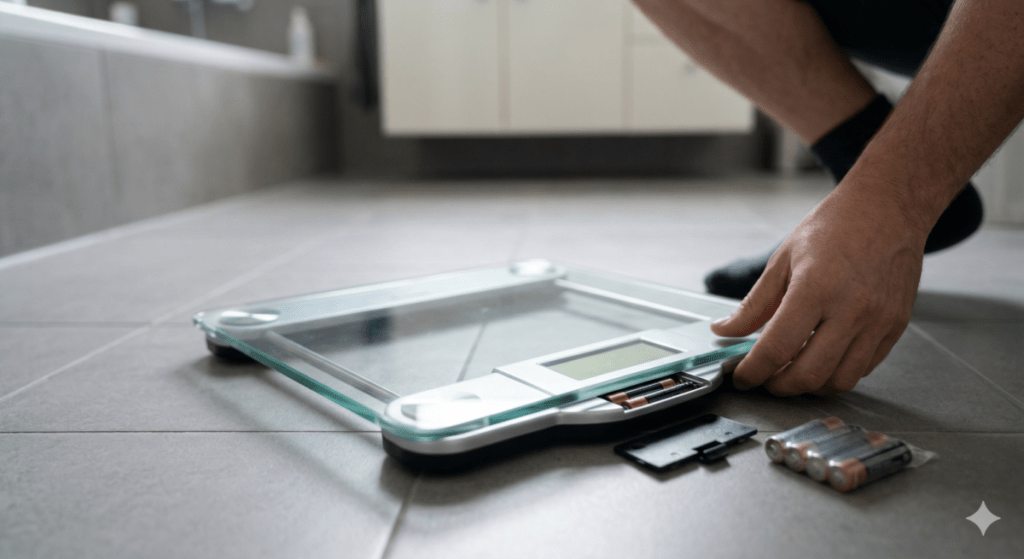
A scale that doesn't respond can be frustrating. Start by checking the batteries. Weak or dead batteries can prevent the scale from working. Replace them with fresh, high-quality batteries. Also, ensure the scale is on a flat, even surface. Uneven surfaces can interfere with the scale's operation. If the scale still doesn't respond, reset it. Refer to the manual for reset instructions.
Fluctuating Readings
Fluctuating readings indicate a calibration issue. Begin by ensuring the scale is stable. Move it to a hard, flat surface. Soft or uneven surfaces can cause inaccurate readings. Next, check for any debris on the scale. Dust or dirt can affect its accuracy. Clean the scale with a soft, dry cloth. Finally, recalibrate the scale. Follow the instructions in your scale's manual. This process often resolves fluctuating readings.
Maintaining Scale Accuracy
Maintaining the accuracy of your digital scale is essential for reliable measurements. Proper care and calibration keep your scale working well over time. Even small errors can affect the results, so regular attention is important. Follow simple steps to ensure your scale stays precise and trustworthy.
Regular Calibration Schedule
Set a regular time to calibrate your digital scale. Calibration helps correct any drift in measurements. For home use, calibrate your scale every one to two months. If you use it often, check calibration more frequently. Always calibrate after moving or cleaning the scale. Use a known weight or calibration weight for best results. Keep a log to track calibration dates and results.
Proper Storage Tips
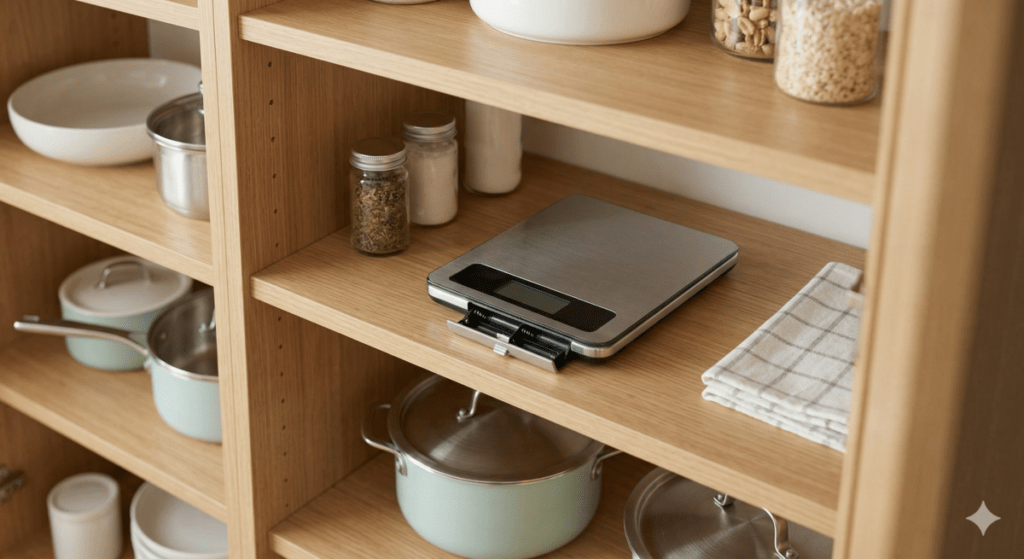
Store your digital scale in a dry, clean place. Avoid areas with high humidity or dust. Keep the scale on a flat, stable surface when not in use. Do not place heavy objects on the scale when stored. Avoid exposure to extreme temperatures or direct sunlight. Remove batteries if you will not use the scale for a long time. Proper storage prevents damage and helps maintain accuracy.
Frequently Asked Questions
How Often Should I Calibrate My Digital Scale?
You should calibrate your digital scale every few months or after moving it. Regular calibration ensures accurate measurements and consistent performance.
What Tools Do I Need To Calibrate A Digital Scale?
Typically, you need calibration weights or objects with known weight. Some scales come with built-in calibration functions or instructions for home use.
Can I Calibrate A Digital Scale Without Calibration Weights?
Yes, you can use common household items with known weights, like coins. Just ensure the item's weight is precise and stable for accuracy.
Why Is My Digital Scale Showing Incorrect Readings?
Incorrect readings often result from lack of calibration, low batteries, or uneven surfaces. Calibrating and placing the scale on a flat surface usually fixes this issue.
Conclusion
Calibrating a digital scale at home keeps your measurements accurate. It takes just a few simple steps and common items. Regular calibration helps you trust your scale’s readings every time. Avoid mistakes by following the instructions carefully. Keep your scale clean and on a flat surface.
Doing this ensures reliable results for cooking, shipping, or health. Small efforts make a big difference in accuracy. Try it today and see how easy it is to maintain your scale’s performance. Accurate weights help you achieve better results in daily tasks.
Disclosure: Gear Cookware may earn a commission from qualifying purchases made through affiliate links.